Pixel Art Coloring Puzzle
What players say
Draw Pixel Art provides a soothing coloring experience that is easy to pick up and enjoy. The grid system ensures precision, and the progressive levels keep you engaged without pressure. It is a wonderful way to relax and express creativity, suitable for both children and adults. The game runs smoothly on all devices and offers a satisfying sense of completion with each finished drawing.
How to play
Game Introduction
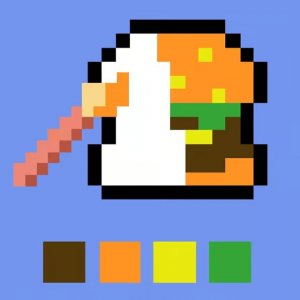
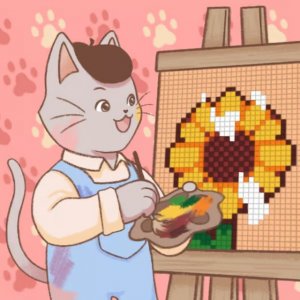
Draw Pixel Art Online Puzzle Game is a relaxing coloring experience where players fill in grid-based drawings to create pixel art. The core objective is to complete unfinished pictures by selecting colors and applying them to the correct cells. This type of game is known for its calming pace and creative expression, making it suitable for all ages. The grid system helps ensure precise coloring, and each completed drawing unlocks the next challenge, providing a clear sense of progression.
How to Play
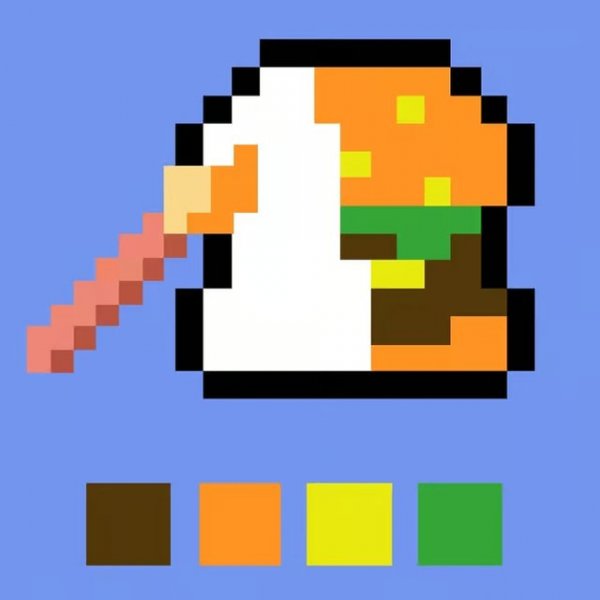
To play, you start by choosing a level from the available options. Each level presents a pixel art outline on a grid. You then select a color from a palette and click or tap on the grid squares you wish to fill. The grid marks each cell, helping you place colors accurately. As you fill in squares, the drawing gradually comes to life. Complete the entire drawing to unlock the next level. The game supports full screen mode and has no time limits, so you can work at your own pace.
Game Features
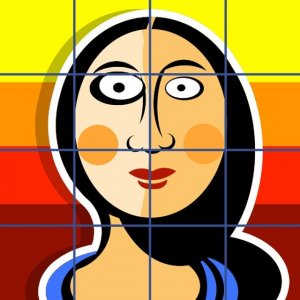
Features include a large set of progressive levels that unlock as you complete each drawing. The grid system allows for accurate coloring with halftones. The game is colorful and relaxing, suitable for all ages. It works on any device with a modern browser, including PCs, mobile phones, and tablets. Full screen support enhances the experience. The game has no timers, ads that interrupt gameplay, or inappropriate content.
Tips for Success
Start with simpler levels to get comfortable with the grid and color selection. Take your time and enjoy the process—there are no penalties for mistakes. Use the full screen mode to see details more clearly. If you feel stuck, try stepping back to view the overall picture, which can help you decide which colors to use next. Practice regularly to improve your speed and accuracy.
Compatibility:
✅ Works on PC & Mobile | Recommended: Chrome / Safari / Edge