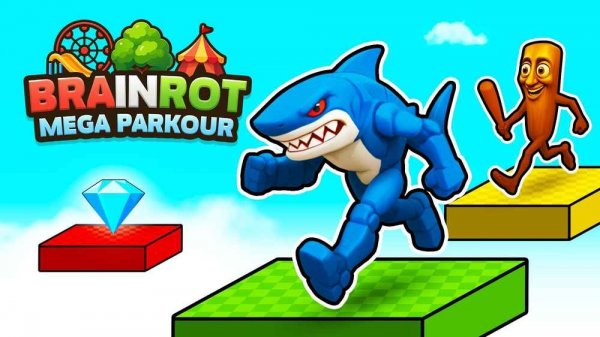
Mega Parkour Arcade Runner
Review
Mega Parkour Arcade Runner leans on tight, memorizable level design rather than endless procedural stages. The combination of rolling hazards and rising lava keeps each run moving, and the double jump gives enough mobility to feel expressive without becoming complicated. Its family-friendly tone and short session length suit casual play, though players seeking deep progression or confirmed multiplayer may find the scope limited. Best for those who enjoy replaying compact courses to shave off mistakes.
About This Game
Course Structure and Hazards
Mega Parkour Arcade Runner is built around hand-crafted obstacle courses rather than randomly generated stages. Each level asks players to climb, jump, and sprint from a starting point to a finish line while two persistent threats shape every route: rolling obstacles that demand precise timing, and a rising flood of lava that forces constant upward movement. Because the lava climbs as you play, standing still is rarely an option. The layout of platforms and the placement of rolling hazards are fixed, so learning a stage means memorizing safe spots and the rhythm of each obstacle rather than reacting to unpredictable spawns.
Movement and Controls
Players navigate using keyboard controls. Standard movement keys handle running and jumping, a sprint function adds speed when you need to cover ground quickly, and a double jump extends your reach to higher platforms or helps you clear wider gaps. These abilities interact in practical ways: sprinting is fastest but reduces control precision, while the double jump is best saved for moments when a single leap would leave you short. The finish point of each level is the only goal, and reaching it requires balancing speed against careful placement.
Difficulty and Audience
The game is designed to be family-friendly and suitable for players of all ages. Difficulty increases across the hand-crafted levels, with later stages combining trickier platform arrangements and more urgent lava timing. Beginners can learn at their own pace, while experienced parkour enthusiasts will find the later courses test their reflexes and route planning. Sessions tend to be short, which makes the game easy to pick up for a few runs without a long commitment. A two-player cooperative mode may be supported, allowing friends to tackle challenges together, though this is not confirmed for every version.



💬 Comments
0 comments